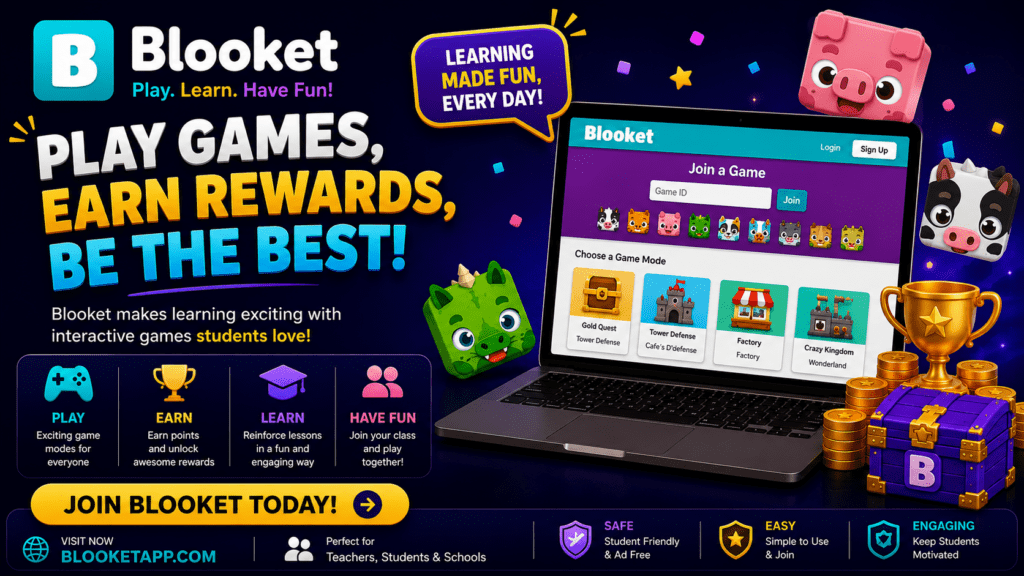

The same question set on Blooket can play out very differently depending on the game mode a teacher picks. Some modes emphasize speed, some reward strategy, and some are built for cooperative play rather than head to head competition. Understanding what each mode actually does makes it easier to match the format to the lesson instead of defaulting to the same mode every time.
Fast Paced Modes
Several Blooket modes are built around quick answers and visible momentum. In these formats, students see their progress update in real time as they answer, whether that means a token moving across a track or a score climbing on a shared leaderboard. These modes work best for short review sessions, warm ups, or moments when a teacher wants the energy in the room to pick up quickly. Because the pace is fast, they tend to favor recall style questions over ones that need extended thinking time.
Strategy and Resource Modes
Other modes shift the focus from pure speed to a light resource management layer, where correct answers earn in-game currency that students spend on upgrades, defenses, or collectible items. These modes tend to hold attention over a longer session because there is more happening between questions, and slower or less confident students still have a path to catching up through smart spending rather than pure answer speed. Teachers running a full class period review often lean on these formats for that reason.
Head to Head and Team Modes
A separate category pits students against each other directly, either one on one or in small teams, rather than everyone playing against the whole class at once. These modes work well when a teacher wants to break a large class into smaller competitive groups, which can reduce the gap between the fastest and slowest students and keep more of the class actively engaged at any given moment.
Choosing a Mode for Your Lesson
The right mode depends less on personal preference and more on what the lesson needs. A quick five minute vocabulary check before a test benefits from a fast paced mode that keeps things simple. A full period review before a unit exam often works better with a strategy mode, since it gives students a reason to stay engaged even after they have answered a few questions correctly or incorrectly. Group work days can benefit from team based modes that turn review into a small group activity rather than an individual one.
It also helps to rotate modes across the school year. Using the same format every time can make review sessions feel repetitive, while switching modes keeps the novelty that makes game based review effective in the first place.
Setting Up a Mode for a Live Game
Selecting a mode happens after a question set is chosen and before a game is hosted. The host screen lists available modes, and a teacher can preview the basic mechanics before starting. Once a mode is selected and the game is launched, the platform generates a join code for students, and the mechanics of that specific mode take over from there. Settings like time limits per question or team size, where applicable, are usually configurable on the same host screen.
Frequently Asked Questions
Do all game modes use the same question sets? Yes. A single question set can be played in any available game mode, so teachers do not need to rebuild content when switching formats.
Are some game modes only available on paid plans? Some newer or more elaborate modes are limited to paid plans, while a core set of modes remains available on the free tier.
Which mode is best for large classes? Modes with team or group structures tend to work well for large classes, since they reduce the gap between fast and slow individual players and keep smaller groups engaged with each other.
Can students choose which mode they prefer? No. The host selects the game mode before starting a live game, and all students in that session play the same mode together.
How long does a typical game take? Length varies by mode and question set size, but most live games run anywhere from five to twenty minutes, making them flexible enough for both quick warm ups and longer review sessions.