

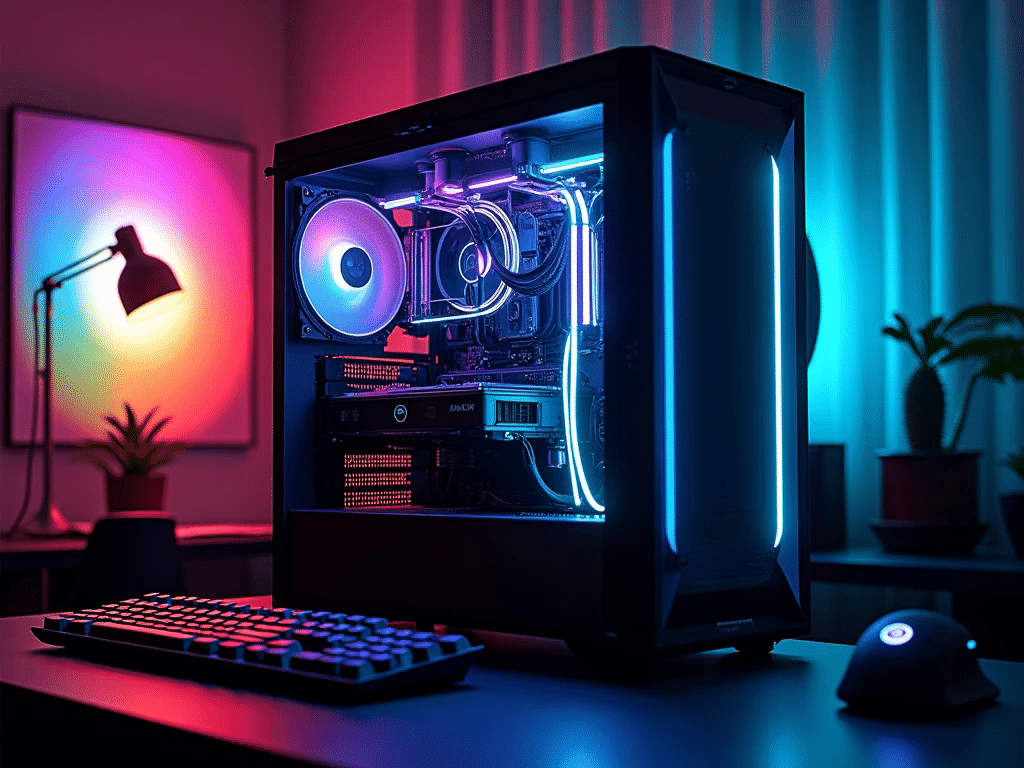

Choosing a high-performance gaming computer requires more than looking at individual hardware specifications. Modern games demand powerful graphics, fast processing, sufficient memory, and reliable cooling to deliver a smooth experience. Whether you enjoy competitive multiplayer titles or visually demanding open-world adventures, the right PC configuration can make a noticeable difference.
An RTX 5080 PC offers an impressive combination of modern graphics technology, AI-powered features, and high-speed processing capabilities. Powered by NVIDIA’s Blackwell architecture, this graphics card is designed for gamers and professionals who want strong performance across demanding applications. With a carefully selected processor, fast DDR5 memory, and quality supporting components, it can become a reliable foundation for a premium gaming and productivity setup.
What Makes an RTX 5080 PC a Strong Gaming Option?
The NVIDIA GeForce RTX 5080 is designed for enthusiasts who want powerful graphics performance without moving to the flagship RTX 5090. It features 16GB of GDDR7 memory and supports advanced technologies that improve graphics quality and gaming performance.
Its combination of modern architecture and AI-powered features makes it suitable for demanding games and creative applications.
Some important features include:
- 16GB GDDR7 VRAM: Provides graphics memory for modern games and demanding visual applications.
- Blackwell Architecture: Delivers advanced graphics processing capabilities.
- DLSS 4: Supports AI-powered image reconstruction and Multi Frame Generation in compatible games.
- Advanced Ray Tracing: Produces realistic lighting, shadows, and reflections.
- NVIDIA Reflex: Helps reduce system latency in supported games.
- AI Processing: Supports compatible creative and AI-powered applications.
These technologies make the RTX 5080 an attractive choice for users who want a modern high-performance desktop.
Can an RTX 5080 PC Handle Modern 4K Gaming?
One of the main reasons enthusiasts consider the RTX 5080 is its ability to handle demanding high-resolution gaming. Modern AAA games feature detailed environments, realistic textures, advanced lighting, and complex visual effects.
A properly configured system can provide an excellent platform for 4K gaming, especially when using supported DLSS technologies.
This graphics card is suitable for different gaming requirements:
AAA Gaming: Enjoy graphically demanding titles with detailed environments and advanced visual settings.
Competitive Gaming: Pair it with a high-refresh-rate monitor for responsive gameplay in supported titles.
Ray-Traced Gaming: Explore realistic reflections, lighting, and shadows in compatible games.
High-Resolution Gaming: Take advantage of detailed visuals on suitable 1440p and 4K displays.
Actual frame rates depend on the game, processor, resolution, graphics settings, and software optimization.
Choosing the Right Processor for an RTX 5080 Build
The processor is another important component when building a high-performance gaming computer. A suitable CPU helps maintain balanced performance and prevents unnecessary limitations in demanding games.
Some processors worth considering include:
- AMD Ryzen 7 9800X3D
- AMD Ryzen 9 9950X3D
- AMD Ryzen 7 7800X3D
- Intel Core Ultra 7 and Core Ultra 9 series
For gaming-focused builds, AMD’s X3D processors are particularly worth considering because of their gaming-oriented cache technology. Users who regularly edit videos, render projects, or multitask may prefer a processor with additional cores and processing capacity.
Always check motherboard compatibility before selecting your CPU.
Essential Components for a Balanced RTX 5080 Gaming PC
A powerful graphics card needs quality supporting hardware to deliver consistent results. Every component should be selected according to the system’s performance requirements.
1. DDR5 RAM
For modern gaming, 32GB DDR5 memory is a practical choice. It provides enough capacity for most gaming sessions, background applications, and everyday multitasking. Users with heavier workloads can consider 64GB.
2. NVMe SSD Storage
Fast storage helps reduce loading times and improves overall system responsiveness. A 2TB NVMe SSD is a good starting point for a premium gaming desktop.
3. Quality Power Supply
The RTX 5080 has a 360W total graphics power rating, and NVIDIA recommends a 850W system power supply for its reference configuration. Choose a reliable unit with suitable connectors and enough capacity for the complete PC.
4. Effective CPU Cooling
A powerful processor requires an appropriate cooling solution. Depending on the selected CPU, a quality air cooler or liquid cooling system can help maintain stable temperatures.
5. Airflow-Focused PC Case
Choose a case with enough GPU clearance, suitable radiator support, and good airflow. This is particularly important for maintaining comfortable operating temperatures during extended gaming sessions.
RTX 5080 PC for Streaming and Content Creation
Gaming is not the only reason to consider this graphics card. The RTX 5080 also offers useful capabilities for people who create digital content or stream their gameplay.
Its GPU acceleration and NVIDIA encoding technologies can support a variety of creative workflows.
Some common applications include:
- Recording and streaming gameplay.
- Editing high-resolution videos.
- Creating digital artwork and animations.
- Working with 3D design and rendering software.
- Using compatible AI-powered applications.
- Managing multiple demanding creative programs.
Its 16GB graphics memory provides useful capacity, although particularly large professional projects may require more VRAM.
RTX 5080 vs RTX 5090: Which One Should You Consider?
Both graphics cards belong to NVIDIA’s Blackwell generation, but they target different performance and budget requirements.
|
Feature |
RTX 5080 |
RTX 5090 |
|
Architecture |
Blackwell |
Blackwell |
|
VRAM |
16GB GDDR7 |
32GB GDDR7 |
|
Target users |
High-end gamers |
Extreme enthusiasts |
|
4K gaming |
Yes |
Yes |
|
Professional workloads |
Yes |
Yes |
|
Reference system power recommendation |
850W |
1000W |
The RTX 5080 is a strong option for gamers who want premium performance while keeping their build below the flagship category. The RTX 5090 is more suitable for users who need additional graphics processing power and memory for particularly demanding workloads.
Your choice should depend on your monitor, applications, performance expectations, and available budget.
Important Buying Tips Before Choosing an RTX 5080 Gaming Desktop
Before purchasing a high-end gaming computer, consider the following points to avoid unnecessary expenses:
- Check the graphics card’s physical dimensions.
- Select a compatible motherboard and processor.
- Choose a reliable power supply with sufficient capacity.
- Make sure the PC case provides proper airflow.
- Consider 32GB RAM for a balanced gaming setup.
- Select a monitor that matches your resolution and refresh-rate requirements.
- Check warranty coverage and component quality.
A well-planned build can provide a much better overall experience than choosing components based only on their specifications.
Find Your Next High-Performance Gaming Setup with Budget Gamer
Choosing a gaming PC should start with understanding your performance requirements and preferred hardware. At Budget Gamer, enthusiasts can explore different gaming computer configurations and consider component combinations for modern gaming, streaming, and creative work.
Whether you want a powerful 1440p setup or a premium 4K gaming desktop, selecting the right processor, memory, storage, and cooling system is essential. An RTX 5080-based computer can offer an excellent balance of graphics performance and modern technology for users looking to upgrade their gaming experience.
Conclusion
The RTX 5080 is a compelling graphics card for gamers and professionals who want high-end computing performance with modern AI and graphics technologies. Its 16GB GDDR7 memory, Blackwell architecture, advanced ray tracing, and DLSS 4 support make it suitable for demanding games and compatible creative applications. However, the overall quality of a gaming PC depends on its complete configuration. Pairing the GPU with a capable processor, fast DDR5 memory, reliable power supply, and effective cooling helps create a balanced desktop. By selecting components according to your actual needs, you can build an RTX 5080 system that delivers a premium gaming and productivity experience.
Frequently Asked Questions (FAQs)
1. Is the RTX 5080 good for 4K gaming?
Yes. The RTX 5080 is designed for high-performance gaming and can deliver excellent 4K experiences, depending on the game, graphics settings, and DLSS support.
2. How much RAM is recommended for an RTX 5080 PC?
32GB DDR5 is a good starting point for modern gaming. Users with professional workloads or demanding multitasking requirements may benefit from 64GB.
3. Which processor works best with an RTX 5080?
The AMD Ryzen 7 9800X3D and Ryzen 9 9950X3D are strong options. Intel Core Ultra processors are also worth considering for compatible high-performance configurations.
4. Is an 850W PSU enough for an RTX 5080 PC?
NVIDIA recommends an 850W system power supply for its reference configuration. Actual requirements depend on the complete system and selected graphics card model.
5. Can the RTX 5080 be used for video editing?
Yes. Its GPU acceleration, 16GB VRAM, and supported NVIDIA encoding technologies make it suitable for many video editing and content creation workflows.
6. Is the RTX 5080 worth buying for a gaming PC?
It is worth considering if you want high-end gaming performance, modern graphics technologies, and a capable GPU for creative applications. Your budget and performance requirements should guide the final decision.