
Latest articles & guest posts
Fresh guest posts from writers, bloggers and businesses — digital marketing, SEO, health, finance, education, fashion and more. Browse by category or search the archive.


Why Modern Hospitals Need an MBA in Healthcare Management Degree
Modern hospitals and health networks no longer run on clinical intuition alone. Expanding multi-specialty chains,…
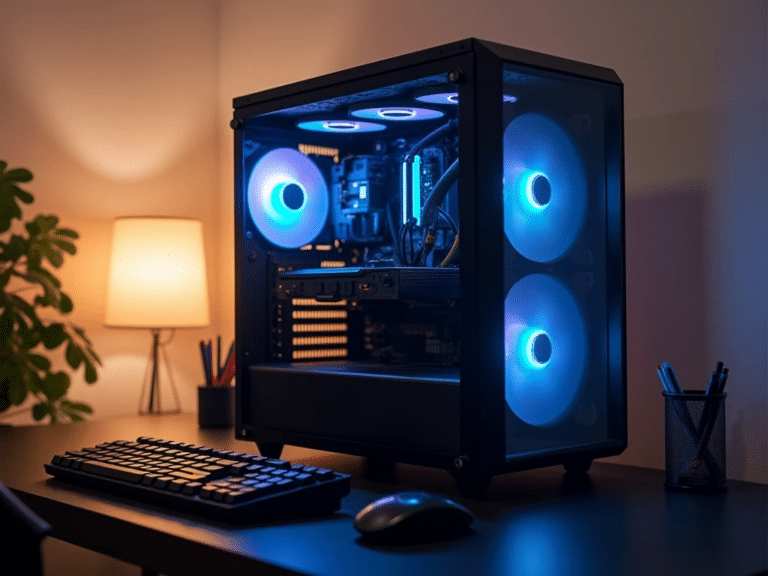
PC Build for Gaming in Dubai: A Complete Guide to Choosing the Right Hardware
Building a gaming PC is about finding the right balance between performance, reliability, and budget.…

TheTVApp – Watch Live TV, Sports, Football and Entertainment Online
TheTVApp – Watch Live TV, Sports, Football and Entertainment Online Online television streaming has become…

Accommodation in Murree: Rooms, Apartments, Suites and Villas in Bhurban
Rooms, Apartments, Suites and Villas in Bhurban Families planning a short stay in Murree often…

How Brands in Pakistan Hire Photographers, Models and Influencers in 2026
Hiring creative talent in Pakistan has changed fast. A few years ago, most brands relied…
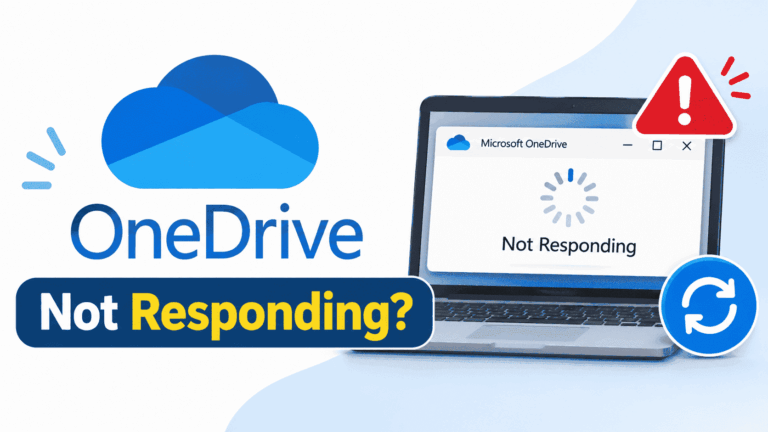
Why Is My OneDrive Not Responding? Causes and 5 Ways to Fix It
OneDrive is a popular cloud storage service that allows users to store, synchronize, and access their files across multiple devices. However, sometimes you may notice that OneDrive is not responding when you try to open the application, upload files, download documents, or synchronize folders. The application may become stuck on the loading screen, stop syncing, freeze unexpectedly, or display a Not Responding message. There are several reasons behind this issue, including an unstable internet connection, corrupted application cache, outdated OneDrive software, insufficient storage, incorrect account settings, and Windows-related problems. Sometimes, antivirus restrictions or background application conflicts can also prevent OneDrive from working properly. If you are experiencing this problem, don’t worry. In this guide, I will explain why your OneDrive is not responding and provide 10 practical solutions to fix the issue on your Windows computer. I will also explain how to protect your important files if OneDrive stops working unexpectedly. Why Is My OneDrive Not Responding? Before moving toward the solutions, it is important to understand what causes OneDrive to freeze or stop responding. Identifying the actual reason can help you choose the right troubleshooting method instead of trying unnecessary fixes. Here are the common factors responsible for this problem. OneDrive requires a stable internet connection to synchronize files with the cloud. If your network is unstable, the application may become unresponsive during synchronization or file uploads. OneDrive stores temporary files and cache data to improve application performance. If these files become corrupted, the application may freeze, fail to launch, or stop synchronizing. Running an older version of OneDrive can cause compatibility problems with Windows and prevent certain application features from working correctly. When your OneDrive cloud storage or local disk is full, uploading and synchronizing files may fail. This can sometimes make the application appear stuck. Expired login sessions, incorrect credentials, or account synchronization problems can prevent OneDrive from connecting to your Microsoft account. Outdated Windows components, temporary system errors, and compatibility problems can affect the normal functioning of OneDrive. Sometimes, security software mistakenly blocks OneDrive processes or restricts its internet connection, causing synchronization problems. Synchronizing a large number of files simultaneously can consume system resources and make the OneDrive application slow or temporarily unresponsive. Missing or damaged application files can prevent OneDrive from opening or functioning correctly. Occasionally, the issue may originate from Microsoft’s cloud services rather than your computer. Server interruptions can prevent users from accessing or synchronizing their files.…

Why Pakistani Food Is Known for Bold Spices and Layered Flavors
Pakistani food is famous for its bold spices, rich aromas, and layers of flavor that…

MovieBox APK: Features, Benefits, and Everything You Need to Know
Introduction In today\’s digital world, mobile applications have changed the way people enjoy entertainment. From…
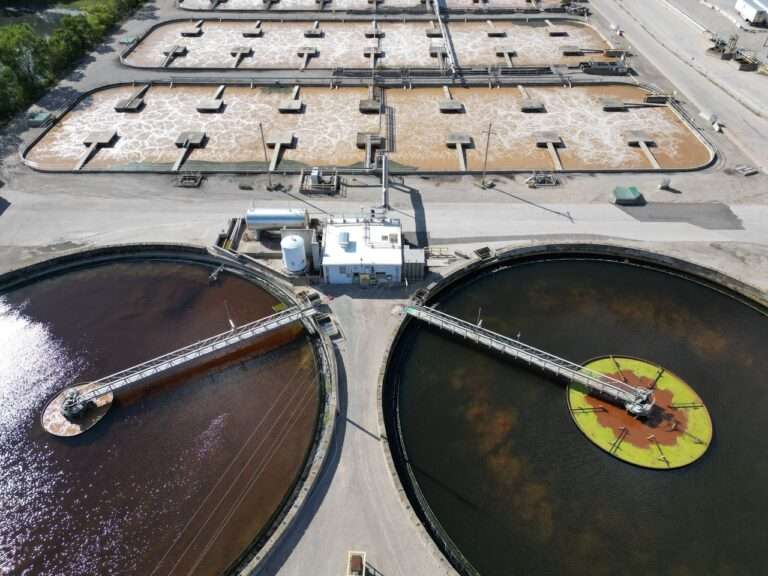
Saudi Arabia Water Recycling: Five Filtration Technologies for Agricultural Irrigation
In order to meet increasing global demands for food and water, more efficient methods of…

Imuran 50 mg Price in Pakistan and What Transplant and Autoimmune Patients Should Know About Supply
The imuran 50 mg price in Pakistan depends on the pack size, the brand and…
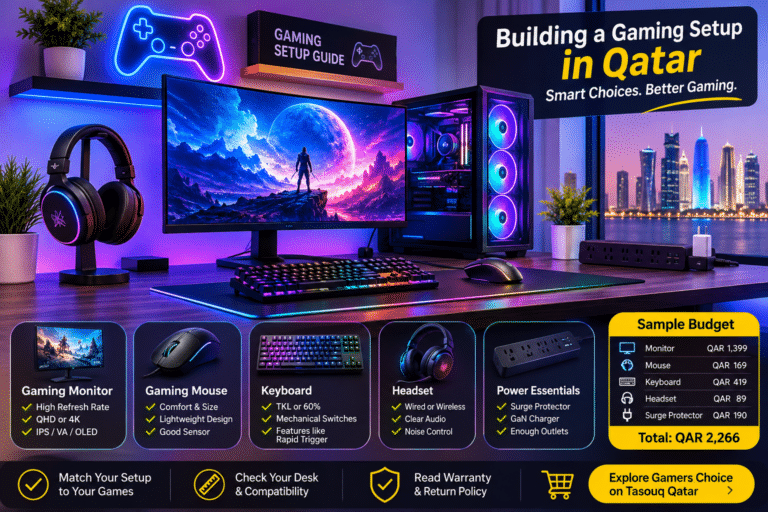
Gaming Setup in Qatar: A Practical Buyer’s Guide
Building a gaming setup in Qatar is easier when you know what you actually need.…

Property Management in Abuja: A Practical Guide for Landlords and Property Owners
Owning a rental property in Abuja can provide an opportunity to generate rental income,…
Have something useful to share?
Submit your guest post for free. Read the article guidelines first to get approved faster.