

A gamepad can look nearly new and still register a button twice or move the camera when you let go of a stick. Before paying for a used controller, connect it to a device you can test, check every input, and play long enough to notice a dropout. Ask the seller ahead of time if you can spend five minutes with it.
Make sure it connects to the system you use
Check the model on the back before meeting. Similar-looking controllers can support different consoles, and some use a wireless receiver that the seller needs to include. Look for cracks near the USB port, loose battery contacts where they’re accessible, and buttons that bind when pressed from an angle.
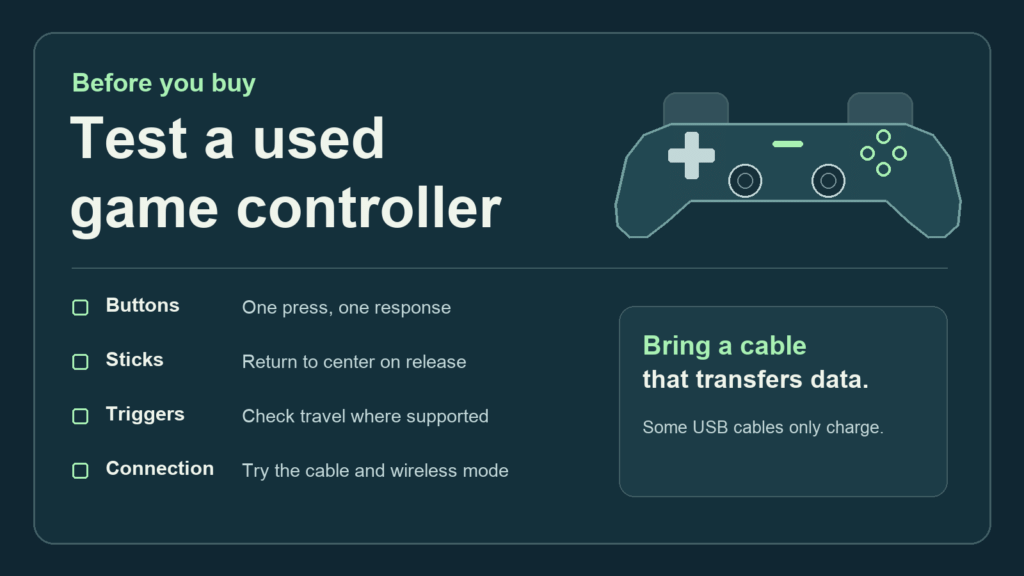
For a wired controller test, bring a cable you already know transfers data. A charge-only cable can power the controller while leaving the computer unable to see any inputs. If you plan to play wirelessly, ask to test Bluetooth or the included receiver as well. Start with a charged controller so a flat battery doesn’t confuse the result.
Check the buttons, sticks and triggers
Use your console’s input test, a game’s control settings, or a browser tester. Where the device supports it, you can check each controller input in your browser with PadCheck, a free gamepad tester that requires no account. I’m affiliated with PadCheck. Connect by USB or Bluetooth and press a button to make the controller visible to the browser. The input display shows button presses, stick positions and trigger travel.
- Buttons: Press every face button, shoulder button, and direction on the D-pad. Repeat a few presses slowly and check that each one registers once and releases.
- Sticks: Move each stick around its range. Release it from several directions and wait a moment. Watch for the same off-center input on repeated releases, then see if it also moves the camera in a game.
- Triggers: On a controller with analog triggers, squeeze each slowly from rest to fully pressed and back. Watch for jumps, gaps, or a reading that sticks after release. Digital triggers are designed to switch on and off in one step.
Spend a minute playing before deciding
Try simultaneous inputs you actually use, such as steering while holding a trigger. Play from the distance you expect to sit, and watch for a disconnect or inputs that stop responding. If the gamepad has vibration, use a game or controller test to check that it responds as expected for that model.
A single failed connection can come from the cable, battery or device you brought. If the same button drops presses after reconnecting, or a stick repeatedly moves the camera on its own, treat that as a fault you’ll need to live with or repair. Price the controller accordingly, or walk away.