
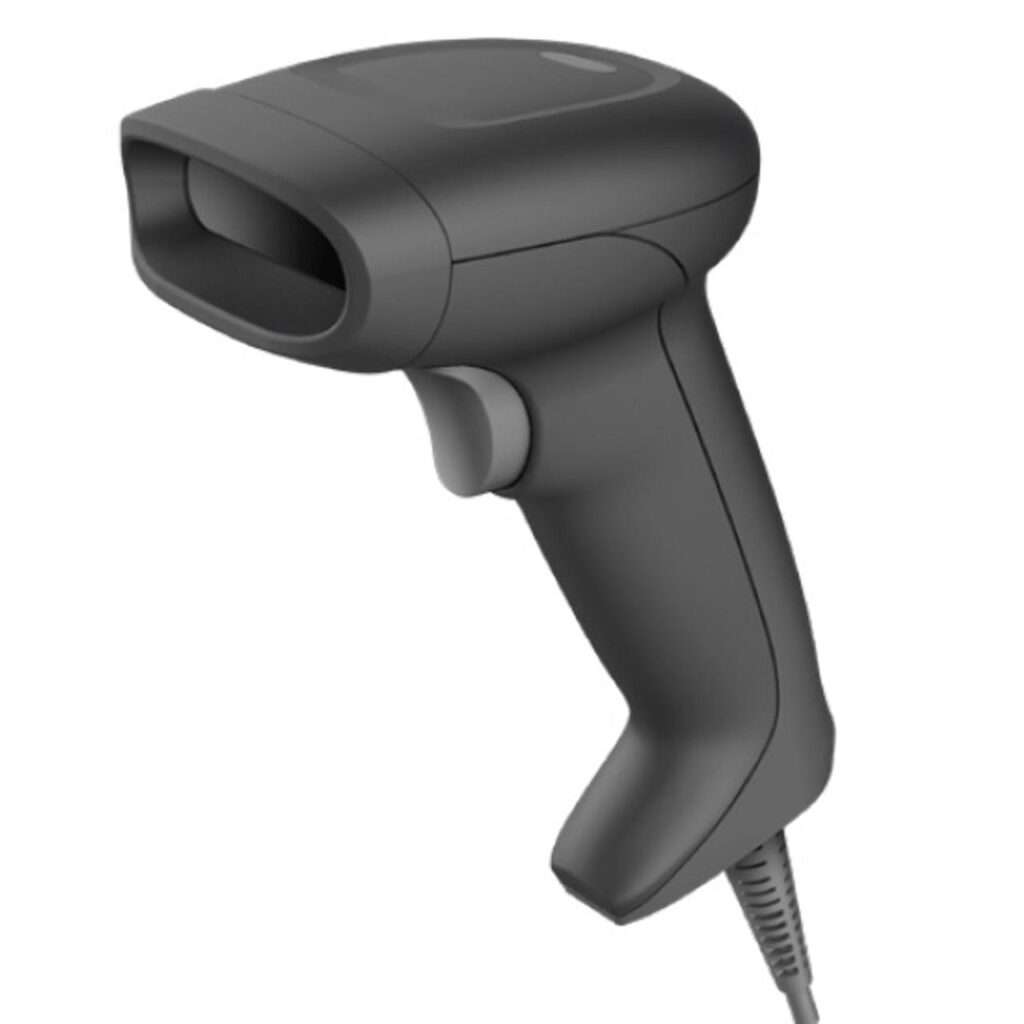

Businesses today need fast, accurate and reliable product identification systems to manage inventory, track products and improve daily operations. A Desktop Barcode Printer is an essential tool for businesses that regularly print product labels, shipping labels, price tags and inventory barcodes.
Whether you operate a retail shop, warehouse, pharmacy, supermarket, manufacturing company or online store, a desktop barcode printer can help simplify your labelling process and reduce manual work.
These printers are compact, easy to operate and suitable for businesses that require low to medium-volume label printing. With different models, printing technologies and connectivity options available, selecting the right printer can make a significant difference to productivity.
What Is a Desktop Barcode Printer?
A Desktop Barcode Printer is a compact printing machine designed to produce barcode labels, product stickers, shipping labels and identification tags.
Unlike large industrial barcode printers, desktop models require less space and are generally suitable for small and medium-sized businesses.
These printers use thermal printing technology to create clear barcodes that can be scanned using barcode scanners and other compatible devices.
They are commonly used for printing:
- Product barcode labels.
- Retail price stickers.
- Shipping and delivery labels.
- Warehouse inventory labels.
- Asset identification tags.
- Packaging and product information labels.
A desktop barcode printer helps businesses maintain organized product records and improve inventory management.
How Does a Desktop Barcode Printer Work?
Most desktop barcode printers use one of two main printing technologies: direct thermal or thermal transfer.
1. Direct Thermal Printing
Direct thermal printers use specially coated heat-sensitive paper. The printer’s thermal printhead applies heat to specific areas of the label, creating text, numbers and barcode patterns.
This technology does not require an ink cartridge or ribbon.
Main advantages:
- Simple operation.
- No ink or toner required.
- Lower consumable complexity.
- Suitable for shipping labels and short-term product identification.
However, direct thermal labels may fade when exposed to excessive heat, sunlight or friction.
2. Thermal Transfer Printing
Thermal transfer printers use heat to transfer ink from a ribbon onto the label material.
This technology is suitable for applications that require longer-lasting labels and greater resistance to environmental conditions.
Main advantages:
- Durable printed labels.
- Suitable for different label materials.
- Better resistance to fading.
- Useful for product identification and warehouse applications.
The best technology depends on the intended use, label material and required label lifespan.
What Are the Benefits of Using a Desktop Barcode Printer?
A desktop barcode printer offers several advantages for businesses that need regular and accurate label printing.
1. Compact Design
Desktop barcode printers are designed to fit comfortably on office desks, retail counters and warehouse workstations. Their compact size makes them suitable for businesses with limited working space.
2. Fast Label Printing
These printers can produce barcode labels quickly, helping businesses save time during packaging, stock management and order processing.
3. Improved Accuracy
Printing standardized barcode labels reduces errors associated with manually writing product information or creating identification stickers.
4. Easy Operation
Most desktop models feature straightforward controls and simple media-loading systems, making them suitable for everyday business operations.
5. Cost-Effective Solution
Compared with large industrial printing equipment, desktop barcode printers are generally more affordable and require less installation space.
6. Better Inventory Management
Barcode labels help businesses identify products, track stock movement and organize inventory more efficiently.
What Are the Common Applications of Desktop Barcode Printers?
Desktop barcode printers are used across different industries because they offer a convenient way to produce identification labels.
1. Retail Stores and Supermarkets
Retail businesses use desktop barcode printers to create product labels, price stickers and shelf identification labels.
Printed barcodes make checkout operations faster and help staff identify products accurately.
2. Warehouses and Distribution Centres
Warehouses use barcode labels to identify storage locations, packages and inventory items.
These labels help employees manage incoming stock, outgoing shipments and product movement.
3. Healthcare and Pharmacies
Pharmacies and healthcare facilities use barcode printing for product identification, stock management and certain specimen or equipment labelling applications.
Suitable label materials and healthcare-specific requirements should be considered for these uses.
4. Manufacturing Industries
Manufacturers use barcode printers to identify products, components, packaging and production batches.
This supports product traceability and organized production processes.
5. E-Commerce Businesses
Online retailers use desktop barcode printers to produce shipping and parcel labels.
This makes order preparation more organized and helps reduce manual labelling errors.
6. Offices and Educational Institutions
Offices and educational organizations use barcode labels for asset identification, equipment tracking, files and library materials.
What Features Should You Look for in a Desktop Barcode Printer?
Before purchasing a desktop barcode printer, compare its specifications and features to ensure it meets your business requirements.
1. Printing Resolution
Printing resolution is measured in dots per inch (DPI). Common options include 203 DPI and 300 DPI.
- 203 DPI is suitable for many standard barcode and shipping labels.
- 300 DPI is useful for smaller labels and detailed printing requirements.
2. Printing Speed
Printing speed determines how quickly the machine produces labels. Choose a model that can handle your expected daily printing volume.
3. Connectivity Options
Check whether the printer supports USB, Ethernet, Bluetooth or Wi-Fi connectivity. The right connection depends on your computer system and working environment.
4. Label Width
Different businesses require different label sizes. Check the maximum supported printing width before making a purchase.
5. Software Compatibility
Make sure the printer supports your operating system and barcode label design software.
6. Media Compatibility
Check the supported label types, paper sizes, ribbon requirements and roll capacities.
7. Durability and Maintenance
Choose a reliable model with accessible replacement parts, cleaning supplies and technical support.
How to Choose the Best Desktop Barcode Printer for Your Business?
Selecting the right barcode printer depends on your industry, printing requirements and available budget.
Here are some practical recommendations:
- For retail stores: Choose a compact printer that supports standard product labels and price stickers.
- For warehouses: Look for reliable printing speed and suitable label sizes for inventory identification.
- For shipping businesses: Select a model compatible with your shipping label dimensions.
- For manufacturing: Consider thermal transfer technology if you need durable product identification labels.
- For small businesses: Choose an affordable model with simple operation and USB connectivity.
You should also consider future business requirements. A printer with flexible connectivity and suitable media compatibility can provide better long-term value.
How to Maintain a Desktop Barcode Printer?
Regular maintenance helps keep your barcode printer operating efficiently and producing clear labels.
Follow these simple maintenance practices:
- Clean the thermal printhead according to the manufacturer’s instructions.
- Remove dust and adhesive residue from the printer mechanism.
- Use compatible labels and ribbons.
- Check label alignment and media settings.
- Avoid using damaged or poor-quality printing materials.
- Update printer drivers and software when required.
- Follow the manufacturer’s maintenance schedule.
Proper maintenance can improve print quality, reduce printing problems and extend the useful life of your equipment.
Where Can You Buy a Desktop Barcode Printer?
Desktop barcode printers are available through office equipment suppliers, barcode technology distributors, IT equipment retailers and specialized industrial automation companies.
Before purchasing, compare different brands and models based on printing resolution, speed, connectivity, supported label sizes and warranty coverage.
Also check whether the supplier offers installation guidance, replacement printheads, accessories and after-sales technical support.
Buying from a reliable supplier helps ensure that you receive genuine equipment and suitable assistance when required.
A Desktop Barcode Printer is a valuable investment for businesses that need efficient, accurate and professional label printing. From retail stores and pharmacies to warehouses, manufacturing companies and e-commerce businesses, these printers help improve product identification and inventory management.
Before choosing a model, consider your printing volume, label requirements, resolution, connectivity and preferred printing technology. A suitable desktop barcode printer can save time, reduce labelling errors and support smoother daily business operations.
Investing in a reliable barcode printing solution can help your business maintain better organization and improve overall productivity.
Frequently Asked Questions (FAQs)
1. What is a desktop barcode printer used for?
It is used to print product labels, shipping stickers, inventory barcodes, price tags and identification labels.
2. Which printing technology is best for barcode printers?
Direct thermal printing is suitable for short-term labels, while thermal transfer printing is better for applications requiring greater label durability.
3. Can a desktop barcode printer print shipping labels?
Yes. Many desktop barcode printers support common shipping label sizes and are suitable for e-commerce and courier operations.
4. What is the difference between 203 DPI and 300 DPI?
203 DPI is suitable for standard barcode printing, while 300 DPI provides finer detail for smaller labels and more detailed designs.
5. Is a desktop barcode printer suitable for small businesses?
Yes. Its compact design, convenient operation and relatively affordable cost make it a practical choice for many small and medium-sized businesses.