


Developed a web application using Python, JavaScript and MySQL.
I have read that sentence more times than I can count. It is never wrong. It is also never remembered.
Behind it there is usually a lot of real work: a database redesigned twice, an API that behaved strangely, a bug that only appeared when someone typed an apostrophe. One flat sentence wipes all of that out.
That gap between what you did and what the page says is where good candidates lose interviews. This guide is for graduates, junior developers and experienced engineers who want their projects to read like real work.
A project line should show how you think, not just what you installed.
Why a Technology List Is Not Enough
A stack list proves exposure. It does not prove judgement.
Judgement lives in choices. Why a relational database instead of a document store? Why validate input on the server as well as in the browser? Why keep the first version small?
Recruiters often review many applications in one sitting. A line that names a decision stands out simply because most lines only name tools.
Keep your technologies visible, though. Relevant terms help both recruiters and screening software spot your skills quickly.
Keywords help you get found. Decisions help you get hired.
The Follow-Up Test
Here is a check worth running on every project line before it goes on your CV. I call it the Follow-Up Test.
Read the line aloud. Then imagine an interviewer asking three things: why did you do it that way, what went wrong, and what would you change now?
If you can answer all three comfortably, the line stays. If you cannot, rewrite it or cut it.
This saves you from the most awkward moment in a technical interview: being asked about your own CV and having nothing to say.
Never write a line you could not defend for two minutes.
Build Each Bullet in Four Parts
Once a line passes the test, give it structure. Strong project bullets usually contain four things:
- Action: what you built, fixed or changed
- Purpose: who it was for and what problem it solved
- Decision: one choice you made, and why
- Evidence: how you know it worked
If you ever work with a Software Engineer Resume Writer, expect these same four questions, because the answers are what turn a bullet into evidence.
Compare these two lines.
Weak: “Built a booking system using Python and MySQL.”
Stronger: “Built an appointment booking system in Python and MySQL for a campus clinic. Added server-side validation after testing showed incomplete submissions were creating duplicate records, then wrote unit tests for the booking and cancellation logic.”
The second version tells the reader what the system did, what went wrong and how you responded. Same project, far more evidence.
Evidence does not need a percentage. A tested fix, a working integration or a resolved bug is enough. If you do have numbers, say what was measured. If you do not, never invent them.
Keep a Decision Log While You Build
Here is a habit most developers never form, and it makes CV writing far easier.
Keep a plain text file beside your project. Each time you make a meaningful choice, add one line: the date, what you chose and why. For example, “Switched to PostgreSQL because bookings needed reliable relationships between tables.”
It takes two minutes. Months later, when you sit down to write your CV, you are not relying on memory. You have the real reasoning, in your own words.
A decision log turns forgotten work into usable evidence.
Be Clear About Your Part in Team Projects
Team projects are valuable, but they create a trap. Five people build one application, and all five write “developed” on their CVs.
Name the component you owned. “Built the REST API and authentication layer” is far clearer than “worked on a web application”.
Interviewers often ask about the parts you did not write, to see how well you understand the whole system. One sentence on how your component connected to the others protects you there.
Label the Status of Every Project
A locally tested prototype, a deployed application and a system used by real people are three different things. Employers know that.
Say which one yours is. A short label such as prototype, deployed or coursework project is enough.
A well-described prototype looks mature. A prototype dressed up as production software looks risky the moment someone asks to see it.
Accurate beats impressive every time.
Match the Level You Are Applying At
Graduates: lead with your final-year project and one other. Explain design choices, testing and limits. Show you can finish something.
Junior developers: mix professional contributions with personal work. Show you can work in a codebase you did not start, using Git, reviews and tickets.
Experienced professionals: choose fewer projects and go deeper. Emphasise ownership, trade-offs, maintenance, mentoring and results for users or the business.
Then read the job advert again. A backend role cares about APIs, data and reliability. A frontend role cares about accessibility, responsiveness and interaction. Lead with the project that fits.
Mistakes That Quietly Cost Interviews
Listing every tool you touched. A long list buries the skills that matter. Keep the ones the project truly relied on.
Inflating ordinary work. A login page is a login page. Calling it a “secure authentication architecture” invites questions you may not want.
Hiding the debugging. Honest problem-solving is evidence. A bug you traced and fixed shows more skill than a flawless-sounding summary.
Treating every project equally. One strong project deserves several lines. A small exercise deserves one, or none.
Check Your GitHub Before You Send
If you link a repository, treat it as part of your CV.
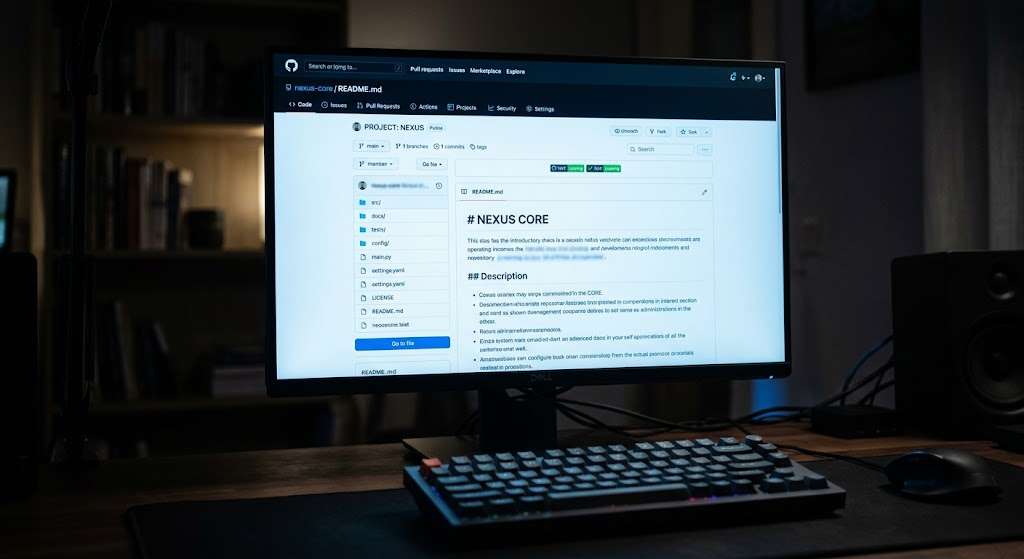
Write a clear README covering purpose, setup, main features and technologies. Make sure the code runs from your instructions.
Search the history for passwords, API keys or personal data. Deleting them from the latest commit is not always enough, because they can remain in earlier ones.
Final Thoughts
Writing about your projects is part technical skill, part judgement. You are choosing which details prove your ability and which only describe typing.
Sometimes the most revealing detail is not the feature but the problem you solved to make it work. Sometimes it is the decision to keep things simple.
Before you submit, run every line through the Follow-Up Test, check your claims are accurate and make sure each one fits the role.
The best project descriptions leave the reader curious about how you think, not counting your technologies.